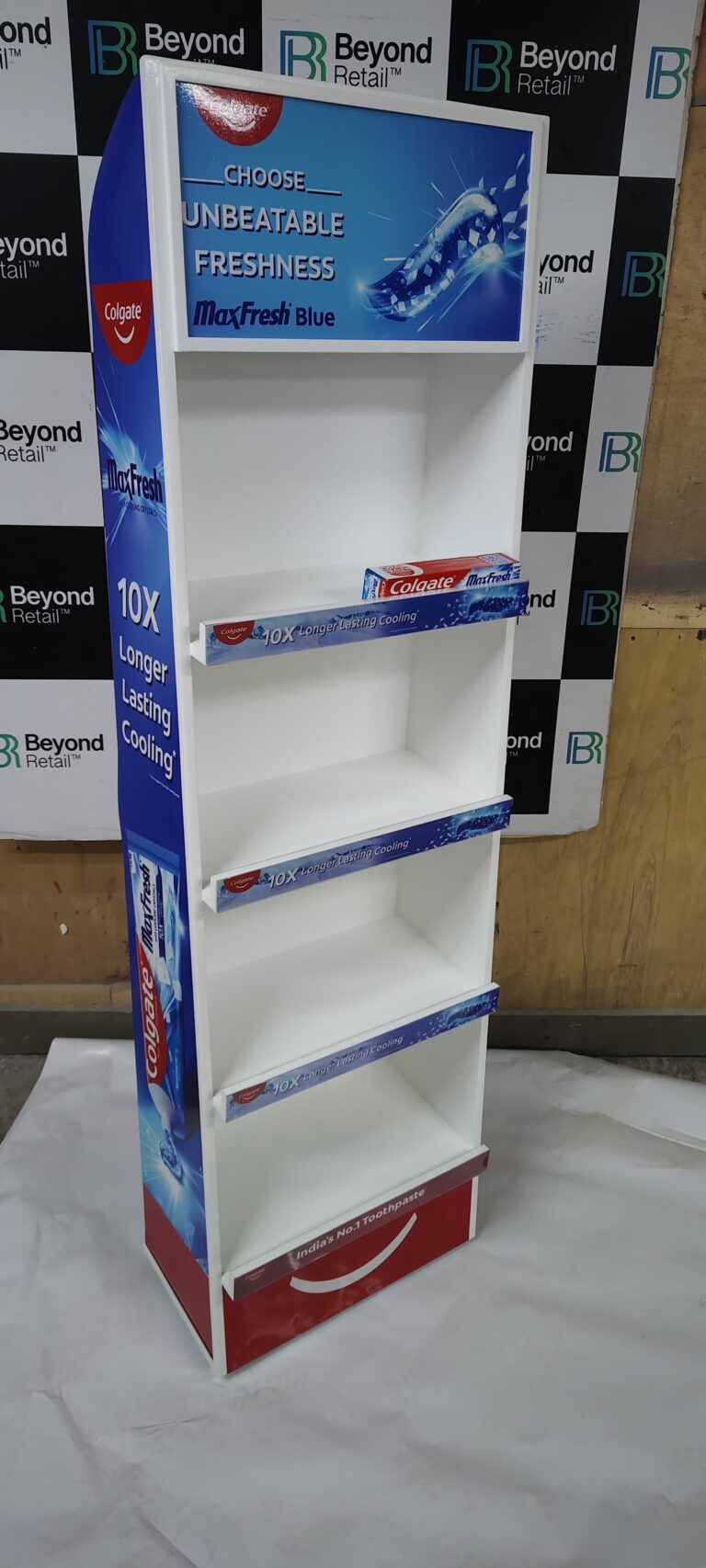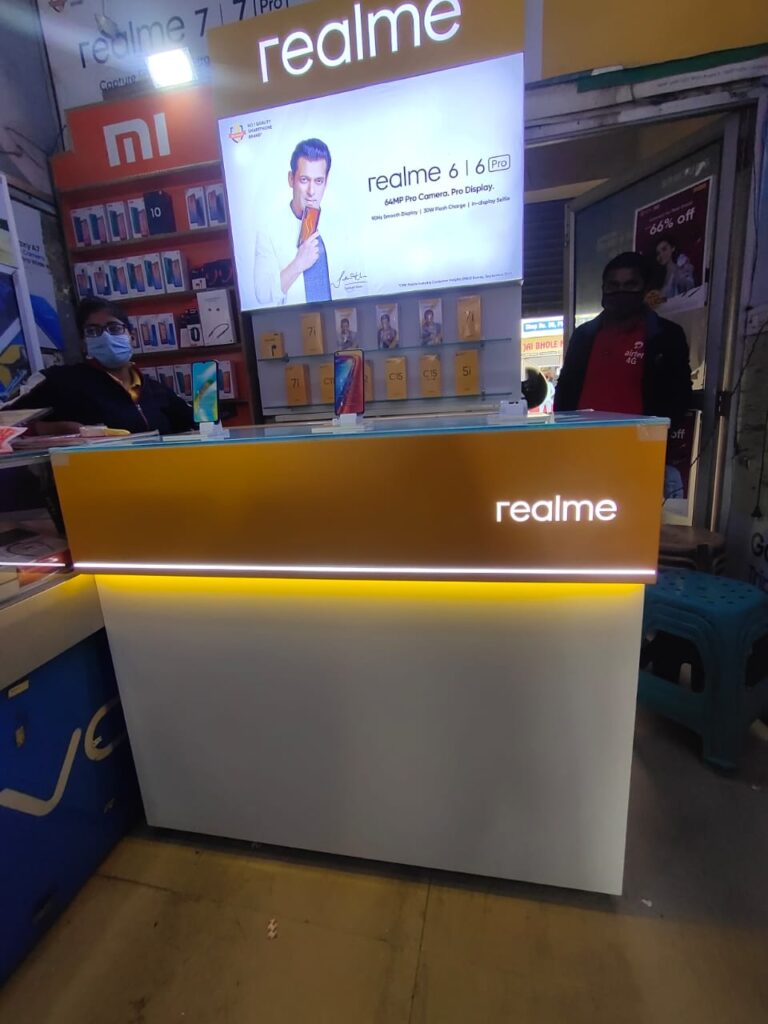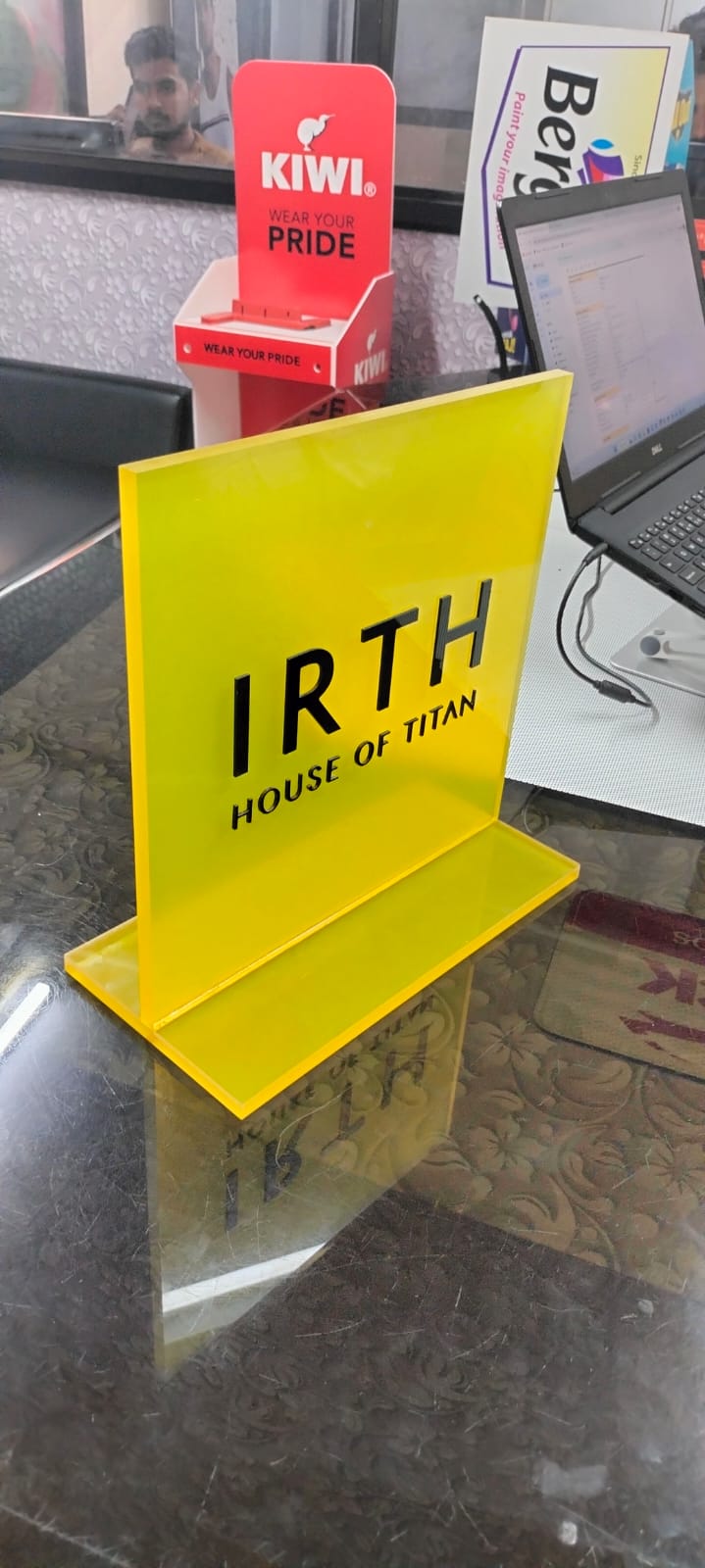
POSM Multi-City Deployment Checklist: From Store List to Verified Installation
A POSM programme across ten cities is not ten small projects. It is one project whose success depends on a long chain: the right unit for each store type, produced to one standard, delivered undamaged, installed correctly and checked. This checklist follows that chain in order.
It is for trade marketing and sales teams. For the wider store rollout, see our retail store rollout plan.
Phase 1: Plan
- Store list by city and store type: kirana, chemist, supermarket, brand outlet.
- Format for each type, with sizes the stores can hold. See choosing a launch display.
- Retailer approvals for modern trade: footprint, height and duration.
- Quantity per format, plus a spare allowance for damage.
- Target in-store date, and a production calendar worked backwards.
Phase 2: Specify
- One drawing per format, with dimensions, material, load and finish.
- Artwork versions by region or language, if needed.
- An installation guide with pictures for each unit.
- A photo standard for proof.
Phase 3: Produce
- Approve a sample before the run.
- Produce in batches against one specification and one colour reference.
- Check each batch before packing.
- Label cartons by city, store ID and unit type.
Phase 4: Pack and move
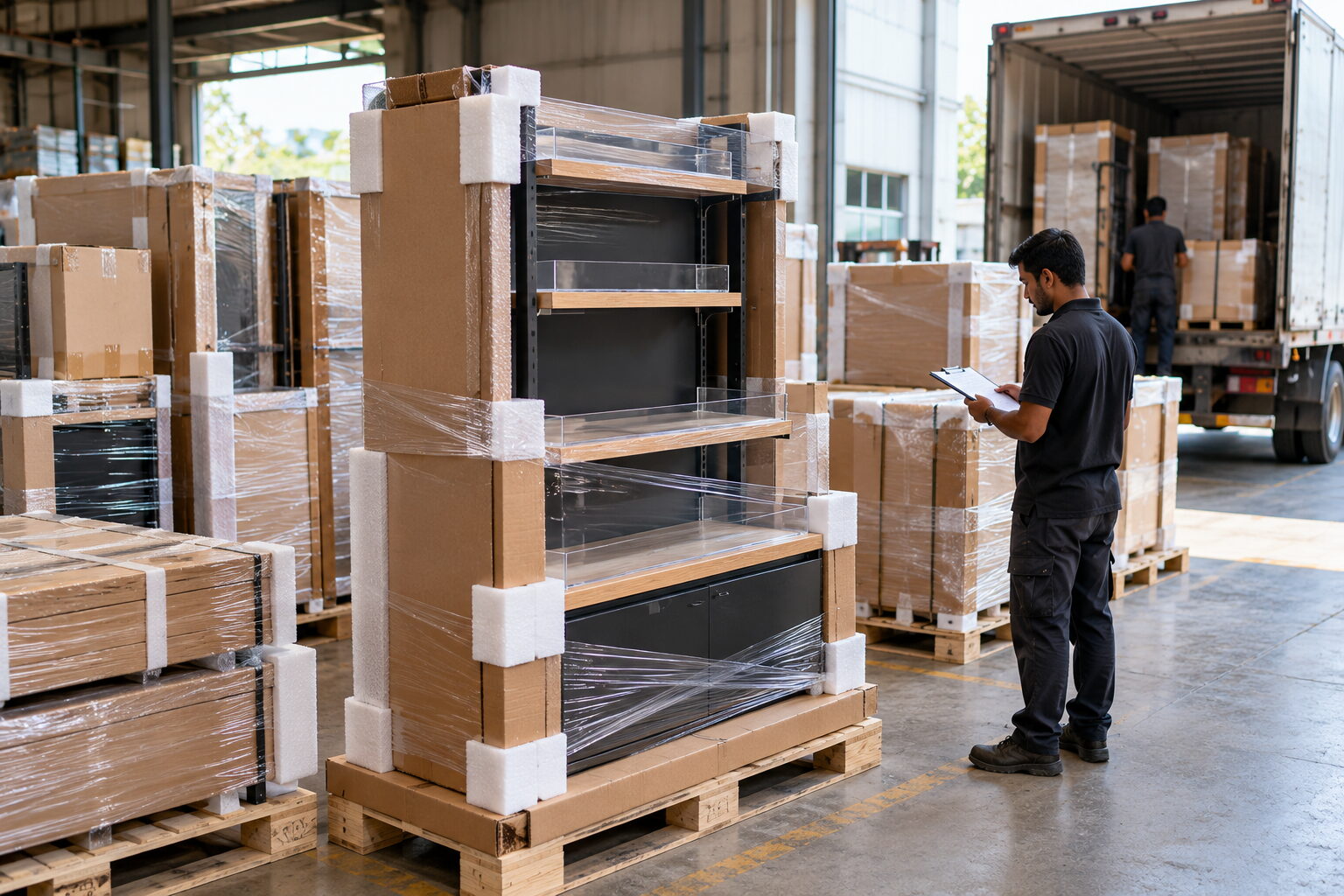
- Choose packing by material: flat-pack for cardboard, foam and film for acrylic.
- Consolidate shipments by city so each hub receives its full set.
- Insure the goods. A carrier’s liability in India is limited, which is why goods transit insurance is a separate cover.
- Brief receivers to inspect and note damage on the delivery papers before signing.
Phase 5: Install
- Decide who installs: field team, distributor, promoter or vendor crew.
- Send the guide and carton labels in advance.
- For modern trade, coordinate timing with store management.
- Plan for festive peaks, when many brands install at once.
Phase 6: Verify
Verification is what turns delivery into deployment. Require a photo from each store showing the unit in place, with store ID and date. One dealer-branding provider notes that on large programmes the brand pays per installed unit and needs proof. Record installed, missing, damaged and wrongly placed units by city.
Phase 7: Maintain and refresh
- A route for stores to report damage.
- Spare parts and replacement stock held centrally.
- A refresh calendar for graphics.
- A review at day 30, to catch units moved, damaged or removed.
A one-page tracker
| Store | City | Unit | Dispatched | Delivered | Installed | Photo received | Issue |
|---|---|---|---|---|---|---|---|
General trade and modern trade need different plans
| Factor | General trade (kirana, chemist) | Modern trade (supermarkets) |
|---|---|---|
| Space | Tight, counters shared with billing | More floor space, negotiated with the retailer |
| Typical formats | Counter units, danglers, shelf strips, small standees | FSUs, gondola ends, large standees |
| Installation | Shopkeeper, distributor or field rep | Store team or vendor crew |
| Approvals | Informal | Space team approval for footprint and duration |
| Verification | Photo from each shop | Photo plus retailer compliance report |
An Indian POSM guide makes the same split: general trade stores are tight on space so POSM must be compact, while modern trade stores let POSM scale up.
Festive season planning
Festive campaigns compress everything: printers are busy, transport is slow, stores want displays up at the same time as every other brand. Book production slots early, finalise artwork well before dispatch and plan install windows with the retailer.
The most common deployment failures
- Units delivered to a distributor and never installed.
- Wrong format sent to a store that cannot hold it.
- Damaged units installed anyway because nobody checked.
- No spares, so a damaged unit means an empty slot.
- No record of which stores have what.
Frequently asked questions
How do I deploy POSM across multiple cities?
Plan formats by store type, freeze one specification, produce in batches, pack and label by store, insure the goods, install with a guide and verify with photos from each store.
How do I make sure POSM is actually installed?
Require a dated photo from each store with the store ID, and track installed, missing and damaged units by city.
Who should install POSM?
It depends on store type. Field teams, distributors or vendor crews can all do it. Name who installs and who confirms.
How do I reduce damage in transit?
Pack by material, consolidate by city, insure the goods and require damage to be noted on delivery papers.
How many spare units should I order?
Plan an allowance for damage and replacements. The right figure depends on your channel and distance.
Beyond Retail makes POSM in-house in Delhi NCR, from floor and counter units to standees and illuminated displays, and prints in the same facility. See point-of-sale materials. Send your store list with units, cities and dates, and we will propose a deployment plan.